

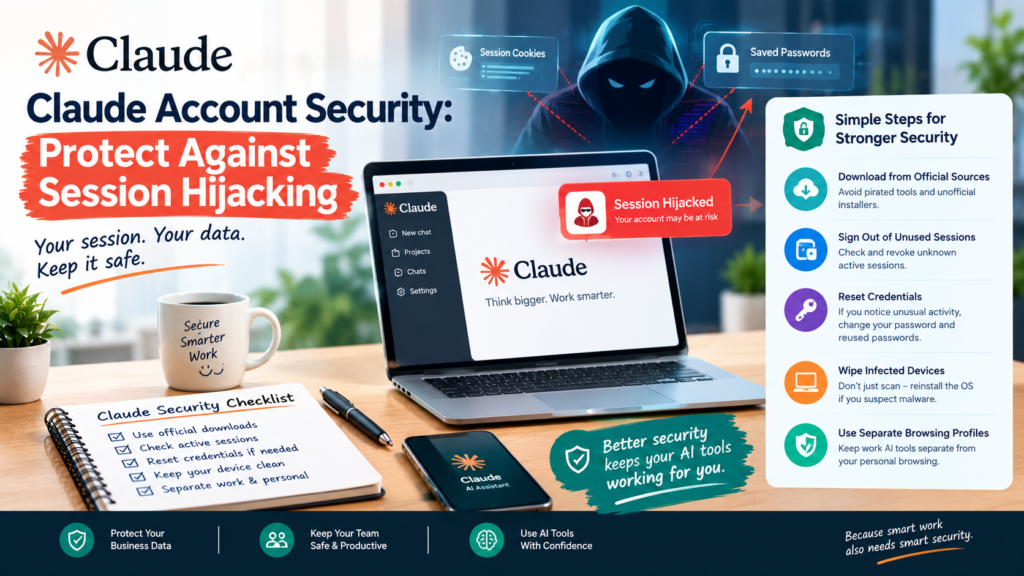
Anthropic just confirmed that criminals are using malware to steal login sessions and drain paid usage credits from Claude accounts, without ever needing a password, a fresh reminder of why Claude account security cannot be an afterthought. If your team uses Claude for work, Claude account security needs to move onto your checklist today, not after something goes wrong.
How the attack actually works
Per Search Engine Journal’s report on Anthropic’s session hijacking warning, infostealer malware such as Vidar, Lumma, StealC, RedLine, Acreed and Atomic Stealer quietly copies saved passwords and browser login cookies from an infected computer. As Anthropic put it, “your Claude session was likely one of the many things it collected.” Because the malware steals the session itself, attackers can impersonate a logged-in user and bypass two-factor authentication entirely, which makes normal password hygiene alone insufficient for Claude account security.
This malware typically arrives through unofficial software downloads or pirated applications, not through Claude itself. One affected user noted that “Windows Defender was clueless,” and a security expert recommended fully wiping and reinstalling the operating system rather than trusting standard antivirus tools to catch every trace, a reminder that Claude account security starts on the device, not just in the browser.
Why this matters for your business
Many agencies and SMEs in Kolhapur, Sangli and Ichalkaranji now run client work, content drafts and even ad campaigns through Claude and similar AI tools. A compromised account is not just a billing headache, since attackers with access to your session can see whatever business data lives in that account’s chat history. Claude account security deserves the same attention we recommend for the website security checklist we published for local businesses, covered in our piece on Claude Code and developer-facing AI tools and our broader website security guidance for small businesses.
Steps to protect your account
- Only download software from official sources. Infostealers spread mainly through pirated tools and unofficial installers, so this single habit closes most of the risk.
- Sign out of unused sessions regularly. Check your account’s active sessions periodically and revoke anything unfamiliar as part of routine Claude account security.
- Reset credentials after any suspected compromise. If you notice unusual usage or unfamiliar activity, change your password and any reused passwords elsewhere immediately.
- Wipe, don’t just scan, an infected machine. Standard antivirus software can miss these infostealers, so a full reinstall is safer than trusting a clean scan result.
- Separate business and personal browsing. Keeping work AI tools on a dedicated, carefully maintained browser profile reduces exposure from unrelated downloads.
FAQ
Does this mean Claude itself was hacked? No. The malware infects a user’s computer and steals saved browser data, including Claude sessions, so Claude account security depends on protecting your own device, not a flaw in Claude.
Can two-factor authentication stop this attack? Not on its own. Because the malware steals an already-logged-in session, it can bypass two-factor authentication, which is why device hygiene matters as much as login credentials.
What should I do right now? Check your Claude account’s active sessions, remove anything unfamiliar, and make sure everyone on your team only installs software from official sources.
Protect the AI tools your team relies on
Growith Digital helps Maharashtra businesses build practical security habits around the AI and marketing tools they use daily. Talk to our team about a quick Claude account security and general digital hygiene review.